
What is Crawl Budget (and Why Google Sometimes Skips Your Most Important Pages?)
By Auditbly
•December 2, 2025
•8 min read
It's one of the most frustrating things in technical SEO: You publish a crucial new feature, a game-changing piece of content, or a vital product page, and then you wait. And wait. You check Google Search Console, you stare at your analytics, and yet, Google hasn't indexed it. The page exists, it's linked correctly, but it's sitting in digital purgatory.
If you've ever felt like Google is deliberately ignoring your most important content, the culprit is often a simple but critical concept: Crawl Budget.
It's not a money budget, but a time and resource budget. Every website, from the smallest blog to the largest e-commerce platform, is allocated a certain amount of time that Googlebot is willing to spend crawling its pages. When that "budget" is misspent or exhausted on low-value content, your key pages get left behind.
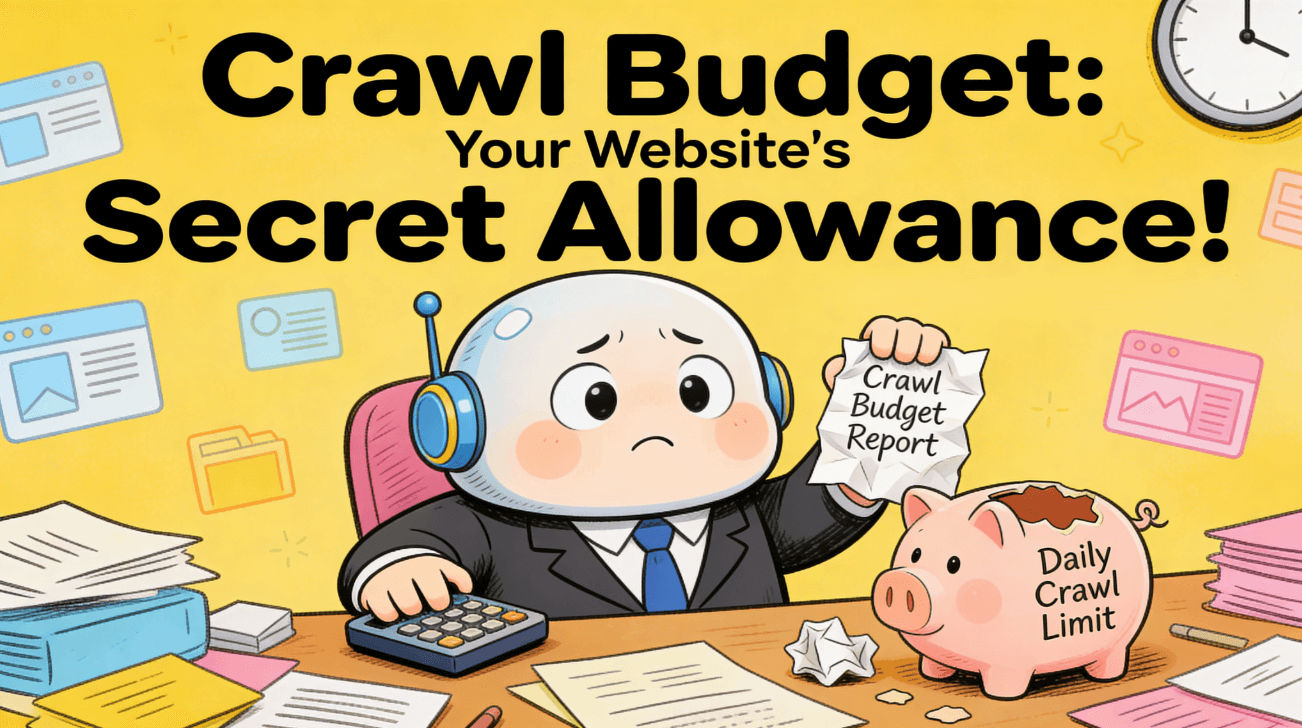
Figure: Managing you websites crawlbudget, what is it and why it has more to it than you might think.
What Exactly Is Crawl Budget?
Think of Googlebot as a highly efficient, yet very busy, librarian who only has 10 minutes to scan your entire bookstore.
Crawl Budget is defined by two primary factors:
- Crawl Rate Limit: This is Google's estimate of how fast it can crawl your site without overwhelming your server. If Googlebot hits your server too hard, it slows down out of politeness (and necessity). The number of concurrent connections it uses and the delay between fetches are determined by your server's health.
- Crawl Demand: This is the demand for crawling your site. It's how often Google actually wants to check your pages. High-quality, popular sites with frequently changing content (like news sites) have high crawl demand. New, static, or low-authority sites have low crawl demand.
The final Crawl Budget is essentially the total number of URLs Googlebot can and wants to crawl within a given timeframe.
If your site has 100,000 pages but Google only budgets enough time to crawl 10,000, 90% of your site will be ignored. The trick is making sure that the 10,000 pages it does crawl are the ones that matter most for your business.
How Google Decides What to Crawl
Google doesn't just wander your site randomly; it uses a sophisticated prioritization system. The goal is simple: maximize efficiency. It wants to find the newest, most valuable content with the fewest server requests.
The decision of what to prioritize is largely based on:
- Popularity & Authority: Pages with high-quality external backlinks and a strong internal link structure are considered more important and are crawled more frequently.
- Freshness: Pages that change often are revisited more quickly. If your product price changes hourly, Google wants to know about it.
- Internal Linking: How many internal links point to a page? The more links it has from authoritative pages on your own site, the more signals you're sending to Google that it's important.
The reverse is also true: if a page is deep in your site structure, receives no internal links, hasn't been updated in three years, and returns a slow server response, Google is likely to de-prioritize it, assuming its budget is better spent elsewhere.
The Silent Killers: Common Crawl Budget Traps
The reason your important page might be skipped isn't a direct penalty; it's often a side-effect of Googlebot wasting its allocated time on things that don't need indexing. These common technical SEO mistakes drain your crawl budget like a sieve:
1. Excessive Parameter URLs and Filters
This is the number one culprit, especially for e-commerce and large product sites. Every time a user filters products, e.g. store/shoes?color=red&size=10&sort=price, a new, unique URL is generated. If these filter combinations aren't properly blocked (using robots.txt or canonical tags), Googlebot will dutifully crawl thousands of near-duplicate pages.
This not only wastes budget but also dilutes your SEO efforts across too many unhelpful pages.
2. Poorly Managed 404s and Redirect Chains
If Googlebot has to repeatedly hit pages that return a 404 (Not Found) or a 410 (Gone), or if it has to follow a chain of three or more redirects (e.g., A B C D), it's burning through precious budget. Clean up old links and implement direct, single-hop redirects.
3. Low-Value, High-Volume Content
This includes tags, archives, author pages, or dated content that provides minimal unique value. If you have 50,000 pages of user-generated content that aren't critical to your SEO strategy, blocking them from crawling (via robots.txt) is often a necessary triage measure. This frees up the budget to focus on your core product or service pages.
4. Performance Bottlenecks
A slow server response time directly impacts the Crawl Rate Limit. If your server takes 5 seconds to respond to a request, Google will drastically slow down its crawl rate to avoid overloading it. Performance and crawl budget are inextricably linked. The faster your pages load, the more pages Google can crawl within its time limit.
How Auditbly Detects and Fixes Crawlability Issues
The only way to effectively manage your crawl budget is to adopt a developer's mindset: diagnose and optimize. You can't just hope Google finds your pages; you have to guide it.
Our tools are designed to pinpoint exactly where Googlebot is getting lost or spending too much time:
- Duplicate Content and Canonical Hell: We automatically flag large groups of pages with the same content (e.g., filter pages) that are missing correct canonical tags. This tells you exactly which URLs are needlessly eating up your budget.
- Redirect Chains and Errors: Auditbly maps out the full path of any redirect chain, highlighting 4xx and 5xx errors that Googlebot is still encountering, allowing your team to clean up the backend link structures efficiently.
- Unlinked or "Orphaned" Pages: We identify important pages on your sitemap that have few or zero internal links pointing to them. These are the pages Google is most likely to skip, and we provide clear insights on where to link them from to boost their crawl priority. (Want a deeper dive? Check out our technical SEO guide on how internal linking shapes site authority.)
- Server Response Time Monitoring: By integrating performance data with our audit, we can correlate slow server responses with reduced crawl activity, giving you clear evidence that a performance issue is directly hindering your SEO efforts. (This article on optimizing caching for developers might be helpful here.)
Ultimately, managing crawl budget isn't about getting Google to crawl more pages, it's about getting it to crawl the right pages. It's about ensuring every second of that precious allocated time is spent finding and indexing the content that drives your business forward.
Ready to stop Googlebot from wasting time on your low-priority pages and start indexing your most valuable assets?
➡ Let Auditbly find your crawlability problems automatically and give you the actionable data you need to instantly boost your site's SEO efficiency.